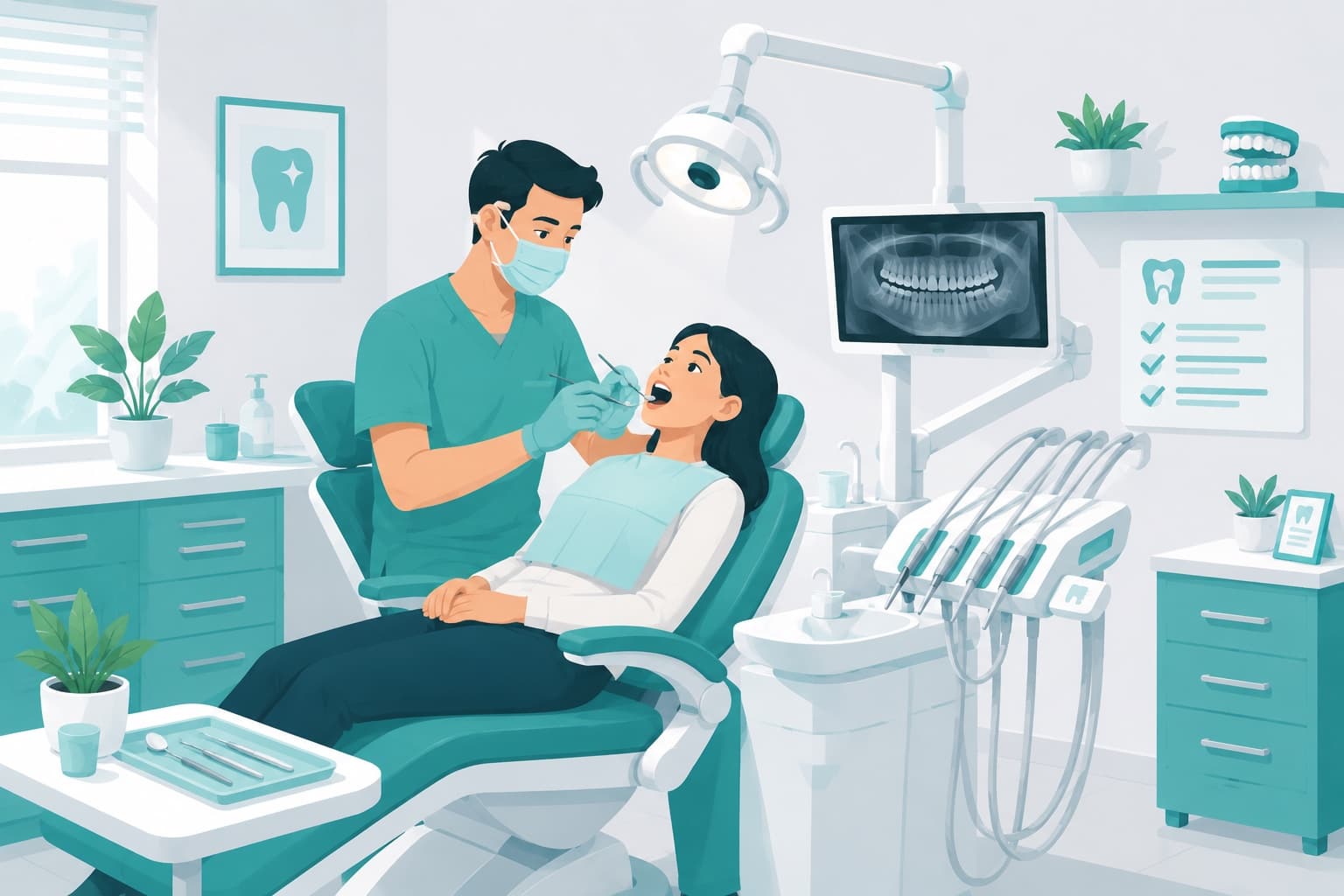
Ask a dentist what separates a smooth-running clinic from a chaotic one, and you'll usually hear about clinical skill. Fair enough. But that's only half of it. The other half is quieter, and it rarely gets mentioned: does the schedule actually hold up through the day, can the front desk pull a patient's history in a few seconds, do tomorrow's bookings turn into real people sitting in real chairs?
When that side of things starts to wobble, you notice quickly. Two patients land in the same slot. A follow-up slips because nobody wrote it down. A treatment history ends up scattered across a notebook, a spreadsheet, and whatever someone happens to remember. Each little mess costs a bit of time and a bit of money. On their own they seem trivial. Together? They add up fast.
So this guide takes the whole thing apart, piece by piece. What dental clinic appointment management really involves, why patients don't show up, how you actually bring those no-shows down, and what you can't afford to get wrong when it comes to patient records and privacy.
What Is Dental Clinic Appointment Management?
The short version
Dental clinic appointment management means running your dentist and chair availability, your patient bookings, and your treatment follow-ups off one shared digital calendar — so double bookings just can't happen, reminders send themselves, and nobody quietly slips through the cracks. The goal? Keep every chair busy, and keep every patient on your radar.
Day to day, what it really comes down to is putting away the notebook and that loose pile of files. Bookings, patient records, reminders — all of it lands on a single screen instead.
For a lot of clinics, the hardest part is just admitting where to start. Those scattered WhatsApp threads and the paper diary have to go. Once you swap them out for a proper scheduling setup, everything downstream gets a whole lot easier.
Why It Matters
Get the schedule right and the entire clinic feels different.
Dentists walk in already knowing how their day is shaped. The front desk isn't glued to the phone all morning. And patients come back more often, simply because their check-ups and next steps don't fall off the map.
There's money in it, too. In a dental clinic, time genuinely is revenue. An empty chair isn't just a quiet hour — it's a treatment plan sitting on pause, a check-up that keeps getting pushed, a tiny crack in the trust that keeps patients coming back to you instead of someone down the road.
And yet? Plenty of clinics still run the whole operation off a paper diary, a WhatsApp thread, or a spreadsheet parked at the reception desk. That's almost always where the trouble begins.
The Problems That Show Up Most Often
Double-booked or forgotten appointments
The more dentists on your roster, the messier manual scheduling becomes. Two people get slotted into the same hour. Or, just as bad, a free hour sits there wasted because nobody had the full picture in front of them at the time.
A day that goes sideways
Picture a clinic with three dentists. A filling gets booked over the phone, and reception scribbles it into the diary. Right around then, a root canal for a different dentist comes through on WhatsApp. Same hour — but the two bookings live in two separate places, so nobody spots the clash until the next morning. One patient waits, the day gets rebuilt on the fly, and everyone's already behind before they've started. On a single shared calendar? That chair and that time simply couldn't be picked twice. The clash never gets the chance to happen.
A no-show rate that's too high
Every time a patient forgets to turn up, you lose two things at once: the revenue for that slot, and the chair time that went with it. A few no-shows a week? Easy to brush off. But then you sit down and tally up what all those empty hours were actually worth across a whole month. Different story.
Patient records that live everywhere and nowhere
When a patient's history is scattered across notebooks, spreadsheets, and chat apps, following a course of treatment turns into guesswork. Ask a colleague to step in and cover a case, and they're basically starting from zero. The information is in there somewhere, sure. You just can't trust any of it.
Scattered system vs. one central platform
- Every dentist and chair on a single calendar
- Automatic SMS/WhatsApp reminders that lower no-shows
- History, treatment plan and notes in one place
- Encrypted, privacy-compliant patient records
- Clashing bookings and duplicate entries in a diary or Excel
- Missed check-ups and patients who never get called back
- The details live in one person's head — hard to hand over
- Scattered data that becomes a liability under audit
How to Keep Track of Patients
Solid patient tracking really boils down to a single habit. Every patient gets one digital card, and everything about them goes onto it. No exceptions.
So what lives on that card? Their contact details and how they'd rather be reminded. Their treatment history — what got done, when, and by which dentist. Whatever treatments and check-ups are still on the horizon. Plus any notes or files that matter: X-rays, intraoral images, clinical observations, the lot.
Once all of that sits in one place, the handoffs stop being painful. Whoever sees the patient next, the story just picks up where it left off. And patients who are due for a check-up float back to the surface on their own, so none of them quietly vanish.
The check-up that never happened
An implant case wraps up, and the dentist tells the patient to swing back in six months. Except that note lives nowhere but the dentist's head. Months roll by, nobody calls, and the check-up simply never gets booked. Now flip it: write that follow-up into the patient card and the calendar right from the start, and as the date rolls around the patient pops back onto a list, a reminder fires off, and the visit doesn't slip through your fingers.
Why Patients Don't Show Up
No-shows almost never trace back to one single cause. Which is exactly why it's worth working out what's really driving yours before you start throwing fixes at it.
Most of the time, honestly, it's just plain forgetting. The appointment got booked weeks in advance, nothing came along in the meantime to jog the patient's memory, and then the day arrives out of nowhere. Right behind that is uncertainty — the patient isn't sure of the date, never got a confirmation, and would rather not guess. Then there's friction. If rescheduling is a pain, a lot of people would sooner ghost the appointment entirely than pick up the phone. And first-timers, along with anyone booked in for a free check-up, tend to no-show more than the regulars who've already got a treatment underway.
One caveat, though. These patterns shift from one clinic to the next. So treat any of the numbers below as an illustration of the trend, not a hard-and-fast statistic.
How to Bring No-Shows Down
Once you understand why people miss appointments, the fixes more or less write themselves.
Send a reminder the day before — and send it through more than one channel. An SMS and a WhatsApp message together will catch people that a single channel would miss. Make confirming or rescheduling a one-tap thing, so the patient who can't make it moves the slot rather than just dropping it. And the moment a treatment wraps up, put the next check-up on the calendar right there and then, while they're still sitting in the chair.
The figures here are illustrative and shift from clinic to clinic. The direction, though? That part's reliable — early, multi-channel reminders pull no-shows down.
Three Steps to Get Organized
Moving from a scattered setup to one central system sounds like a massive undertaking. It really isn't. Three moves get you most of the way there.
Data Protection: What Dental Clinics Handle Carefully
Here's the thing about health records: they're not ordinary customer data. Under the GDPR — and most other frameworks land in the same place — dental treatment records count as special-category personal data. Which means the bar you're held to sits higher than it would for your average business.
So what does a compliant setup actually cover? A handful of things. Patient data stored securely and encrypted, so the wrong people can't read it. Access kept to the staff who genuinely need it, and no one else. Automatic backups running on a regular basis. An access log that records who opened which record, and when. A proper process for taking explicit consent wherever the law asks for it. And role-based permissions, so each person only ever sees what their job actually requires.
We dig into how those obligations play out in the day-to-day over in our GDPR compliance guide.
Health data is special-category data
Dental treatment records count as special-category personal data. A system that encrypts those records, logs who opened them, and keeps you lined up with your obligations isn't a nice-to-have. It's the baseline — and it's not something a paper diary can ever give you.
What You Actually Gain
You'll feel the difference fast, right in the ordinary rhythm of the day.
No-shows drop off, because now the reminders do the chasing instead of you. Intake speeds up, because a patient's history and treatment plan are one click away rather than a rummage through folders. And nothing drifts into chaos, because it all sits in one encrypted card.
Then there's the payoff that's easy to overlook. As the idle hours shrink, chair occupancy and the overall shape of your day become predictable. Everyone works off the same calendar and the same notes, so the team stops tripping over each other. Encryption, backups, access logging — it's all baked in, so the data side just gets handled without anyone having to think about it. Want to put a real number on any of this? Here's how to calculate practice efficiency.
Where Calemio Fits
Calemio brings scheduling, patient records, and reminders together in one place. Multi-dentist calendars block clashes by themselves. Encrypted patient cards keep treatment history and check-ups sitting side by side. Automatic SMS and WhatsApp reminders take the sting out of no-shows. And Mio, the built-in AI assistant, quietly handles a fair chunk of the planning and everyday admin for you.
Here's what a normal morning looks like. Reception opens up, and the entire day is right there on one screen — every dentist, empty slots and all. A patient walks in, and their card is a single click away: history, next planned check-up, notes. And in the background? Tomorrow's reminders already went out. Nobody's stuck confirming appointments by phone while the waiting room quietly fills up.
That's really the whole idea. Swap the notebook for a system, and the day gets calmer and safer — for your patients, and for your clinic.
A Quick Checklist
If you're taking a hard look at how your clinic handles bookings and patient records, this is a fair place to start:
- Every dentist and chair calendar lives on one digital screen.
- Each patient has a single, encrypted digital card.
- The system blocks overlapping bookings automatically.
- An automatic SMS/WhatsApp reminder goes out the day before each visit.
- Post-treatment check-ups are added to the calendar up front.
- Access to patient data is role-based, with access logged.
- Automatic backups run on a regular schedule.
- No-show and chair-occupancy rates get reviewed now and then.
Frequently Asked Questions
How do you manage appointments in a dental clinic?
Get your dentists, chairs, and treatment types onto one shared calendar. From there, the system won't let two bookings land in the same slot, it makes open hours easy to spot, and it fires off a reminder for every appointment on its own. That combination clears out the duplicate entries and missed visits you inevitably get from juggling a diary or a spreadsheet.
How do you reduce the no-show rate in a dental clinic?
Work out what's really causing them first. More often than not it's plain forgetting, or never getting a confirmation. Once you know that, a day-before reminder over both SMS and WhatsApp, a one-tap way to confirm or move the appointment, and booking the next check-up before the patient walks out the door will each take a real bite out of your no-show rate.
How should dental patient records be stored to stay privacy-compliant?
Dental records are special-category personal data, which means they need real safeguards: encrypted storage, tight limits on who can open them, routine backups, an access log, explicit consent wherever the law calls for it, and permissions tied to each person's role. A shared spreadsheet or a paper diary doesn't come anywhere close to that.
How do you schedule appointments when several dentists share a clinic?
Run everything off one central calendar that tracks availability per dentist and per chair. It won't let the same slot get booked twice, it shows you at a glance who's free and when, and it makes filling the gaps in the day far less of a scramble.
Which scheduling software should a dental clinic use?
Look for the essentials working together as one: multi-dentist calendars, encrypted patient cards, automatic SMS and WhatsApp reminders, and privacy-compliant data handling. Calemio pulls all of those into one place, and its AI assistant, Mio, takes a good slice of the daily admin load off the front desk.
Related articles

Try Calemio for free
Encrypted, compliant and simple. Built for independent therapists and clinics.
Start free